
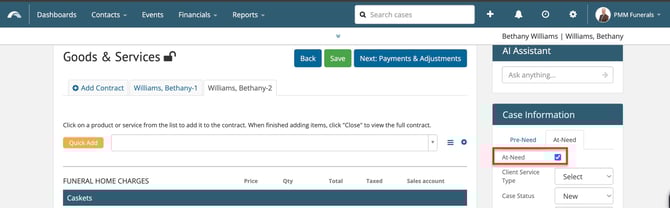
To convert a Pre-need case to an At-need case, use the Case Information sidebar from any page inside the case to select the At-need checkbox, then Save.
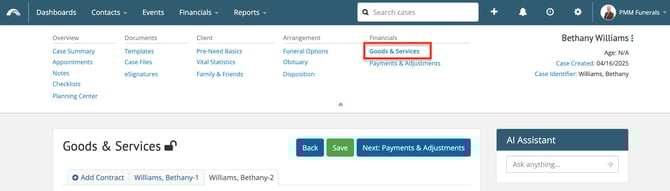
Go to the Goods & Services page.
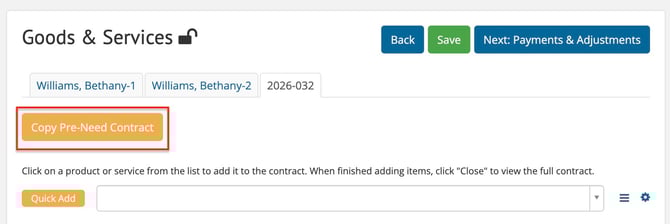
Click the Copy Pre-Need Contract button.
💡This button only appears after converting the case.
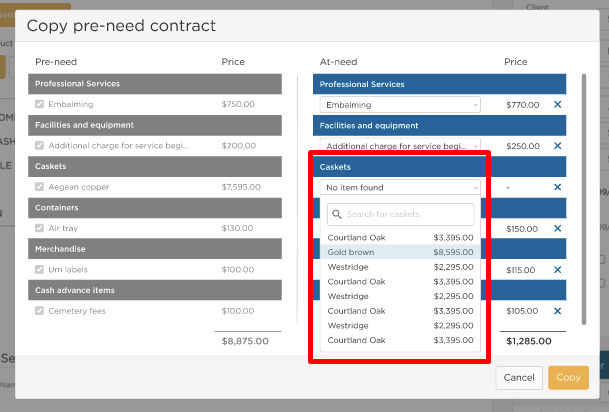
A side-by-side comparison of the Pre-need and At-need contracts will appear. Scroll through to confirm each line item matches and so the contract will be copied over accurately.
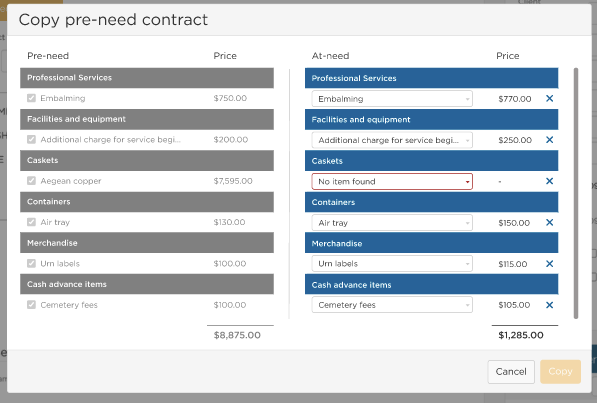
If any items on the pre-need contract are no longer available on your active price list, use the drop-down menu in the At-Need column to choose another option.
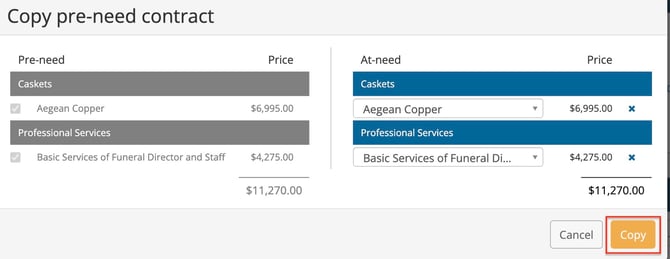
Once you've copied each item or selected a replacement from the current price list, click the Copy button at bottom right to view the at-need contract.
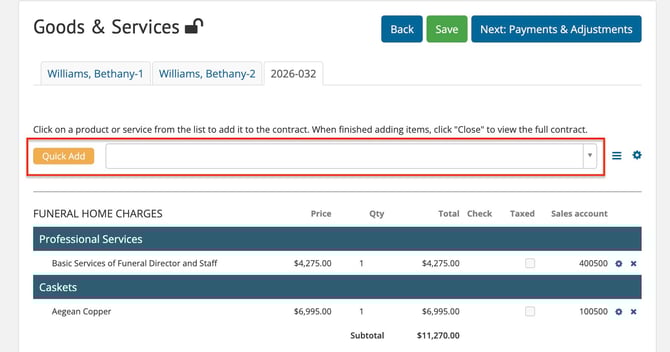
Add any additional items to the at-need contract using the search bar or quick adds.
Need Help?
Email us at support@passare.com or call 1-800-692-5111!